


Key Takeaways
- BCPoker mobile lobby helps Thai players compare formats, stakes and session length before joining a table.
- Smart Focus supports up to four active tables on a smartphone.
- Portrait layout and one-hand controls simplify mobile table management.
- Tournament tools let players review events, register and manage re-entry from the mobile interface.
- Wallet, VIP status and rewards remain accessible between poker sessions.
- Mobile security can include biometric access and two-factor authentication.
Open the mobile lobby and prepare your preferred poker session.
BCPoker Mobile Lobby for Faster Game Selection
The mobile lobby is the starting point once the application is open. Players can review available cash tables, poker formats, and scheduled tournaments from the same environment instead of moving between separate services. This makes it easier to decide what fits the time available before joining a game.
The lobby also helps users compare different options in advance. A player with limited time can look for a shorter format, while someone planning a longer session can review cash tables or scheduled tournaments.
Finding the Right Table Before You Sit Down
The BCPoker app gives players a central place to review available poker options before entering a session. Cash players can compare tables, while tournament users can check scheduled events and their available details.
Before joining, three points are worth checking:
- The available format and stakes.
- The number of players at the table.
- Whether the session has a flexible or scheduled structure.
Planning Short and Long Sessions in the App
The same application can support different session lengths. A player with only a short period available may choose a compact format, while someone with more free time can select a cash table or scheduled tournament. This is particularly useful when a smartphone is the main device used throughout the day.
Cash Tables, Spin & Go or Scheduled Tournaments
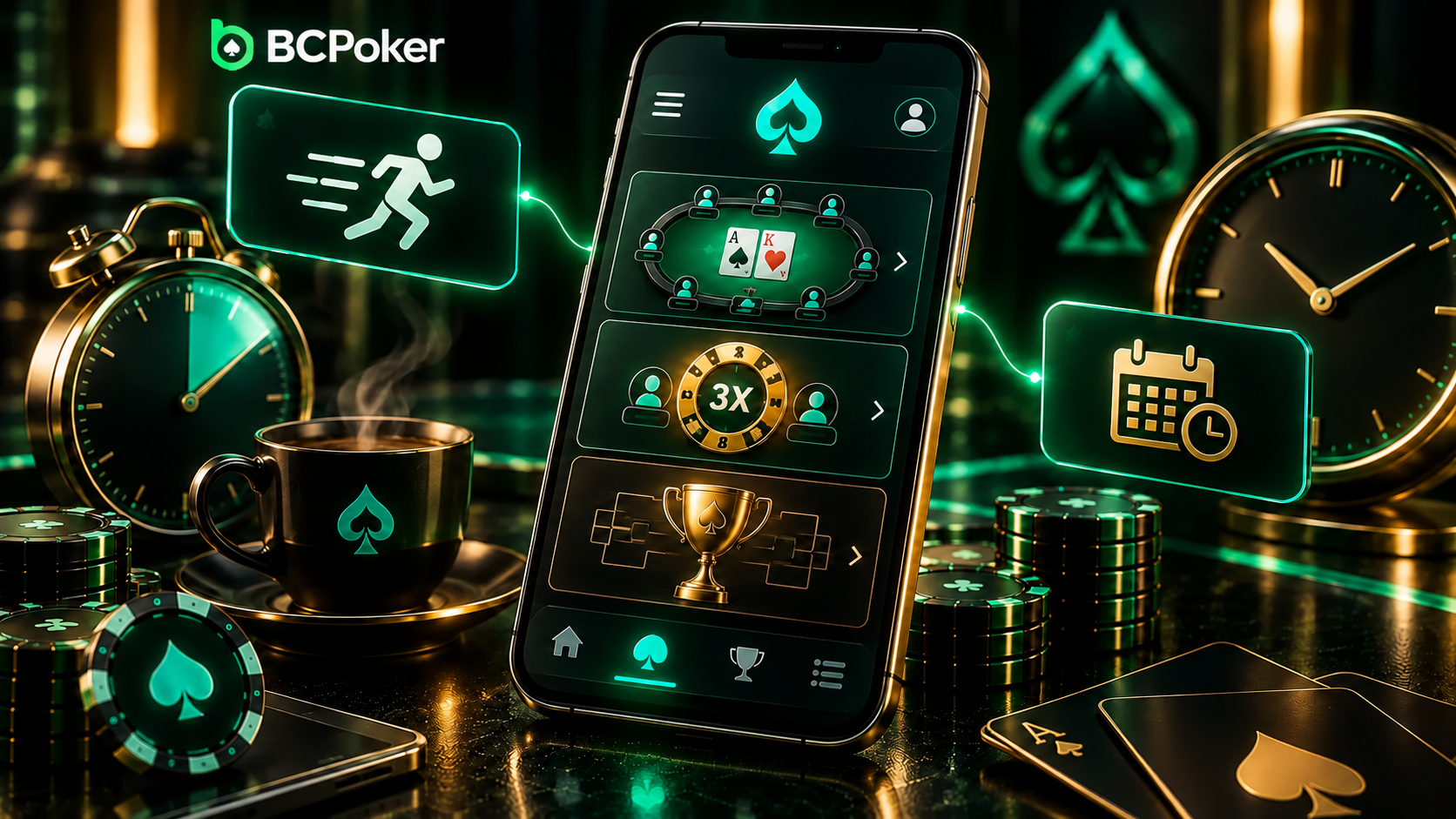
Cash tables provide flexible session timing because there is no fixed tournament schedule. Spin & Go uses three players and a hyper-turbo structure, with a random multiplier determining the prize structure before the game starts. MTTs follow a more defined schedule and can continue through multiple stages.
The choice depends on the intended session:
- Cash table for flexible timing.
- Spin & Go for a compact three-player format.
- MTT for a planned tournament session.
Each option suits a different amount of available time.
Managing Several Tables from a Smartphone
Mobile multi-tabling requires more than simply opening several games. When several tables are active on a small screen, the player needs an efficient way to identify where a decision is pending.
Four Tables and Smart Focus
The mobile interface supports up to four tables simultaneously. Smart Focus brings the table requiring action into view, reducing the need to manually search through the active games.
This setup is particularly useful when a player wants to keep several tables running while using a smartphone rather than a larger desktop display.
Using the Mobile Interface Efficiently in Thailand
For smartphone users in Thailand, a practical mobile setup needs to work well during short periods of activity. The vertical layout is built around the dimensions of a phone screen, while touch controls keep essential actions accessible without requiring a mouse or keyboard.
Portrait Layout and One-Hand Controls
One-Hand Mode places major poker actions such as bet, fold, and raise within convenient thumb reach. The portrait-oriented table keeps the key information visible while leaving space for touch controls.
After the BCPoker app download, the portrait-oriented interface keeps key controls within easy reach during a mobile session.
BCPoker Tournament Management from Mobile
Tournament management begins from the event list inside the mobile environment. Players can review available tournaments, open the relevant details, register, and then move into the tournament after it starts. This keeps event selection and participation within the same account.
The section includes MTTs, freerolls, and re-entry events. When re-entry is permitted, an eliminated player can enter again according to the conditions of the specific tournament, including options provided through the tournament lobby.
The BC Poker app therefore supports the tournament process from event selection through entry and subsequent table access.
Account, Wallet and Rewards Between Poker Sessions
The mobile environment can also be used between games. A player can check account information, review the current wallet balance, look at VIP progress, and see whether rewards are available before deciding what to do next.
This is especially practical for players who use their smartphone as their primary access point. The account remains connected to the wider platform, so the mobile environment is not a separate profile with an independent balance or VIP status.
For someone using the BCPoker mobile app, the main between-session checks can be organized as follows:
| Account area | What to check | When it is useful |
| Wallet | Available balance | Before joining a paid game |
| VIP | Current level and progress | After regular qualifying activity |
| Rewards | Available promotional benefits | Before starting another session |
| Tournaments | Upcoming or registered events | Before a scheduled tournament |
Detailed payment and bonus procedures are covered separately. Here, the focus is on keeping essential account information accessible between sessions.
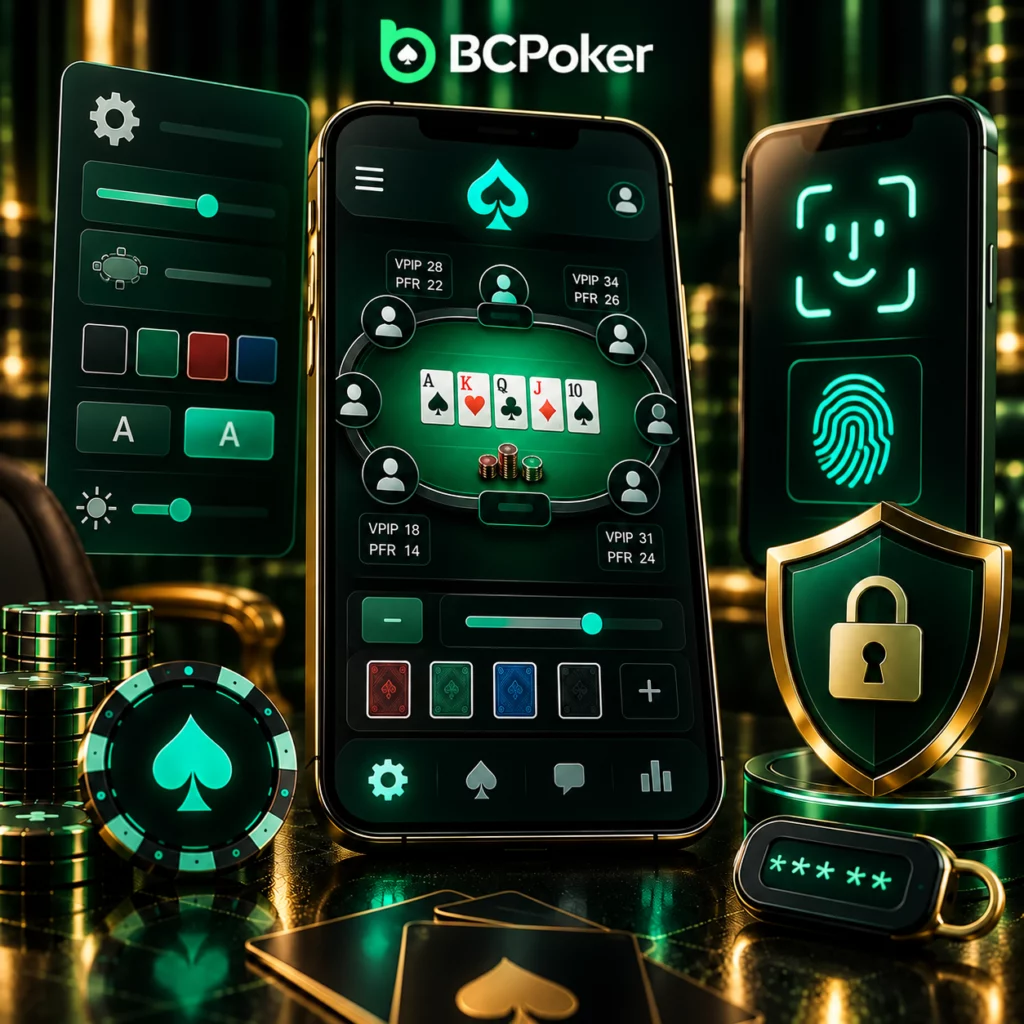
Table Settings and Mobile Security
Before joining a game, experienced users can adjust elements of the table interface to suit their preferences. BCPoker displays VPIP and PFR statistics at the table, while customization options can change the way the playing environment is presented.
Security features work alongside these settings. Compatible Apple devices can use Face ID or Touch ID for account access, while Two-Factor Authentication adds another verification layer.
The two areas address different needs: table settings affect how a session is presented, while authentication controls help protect access to the account.
Building a BCPoker Mobile Routine in Thailand
A practical mobile session can begin with the lobby rather than immediately joining the first available table. Check the available formats, match the session to the time available, and adjust the preferred table settings before starting. During a multi-table session, Smart Focus can direct attention toward the game requiring action.
Once the session ends, the mobile environment can also serve as a simple account checkpoint. The player can review the wallet, check VIP progress, and look at upcoming tournaments before closing the application.
A complete routine can follow this order:
- Open the mobile lobby and review available games.
- Choose a format that matches the planned session.
- Adjust the table environment before joining.
- Use Smart Focus during multi-table play.
- Review account information after the session.
This approach makes the application part of a repeatable routine rather than simply a tool for entering a single poker table.